
Best Otter.ai Alternatives 2025: No Bots & Private
Explore the top Otter.ai alternatives for 2025 that prioritize privacy with no intrusive bots. Get accurate AI meeting transcription, summaries, and tools for Zoom & Teams.
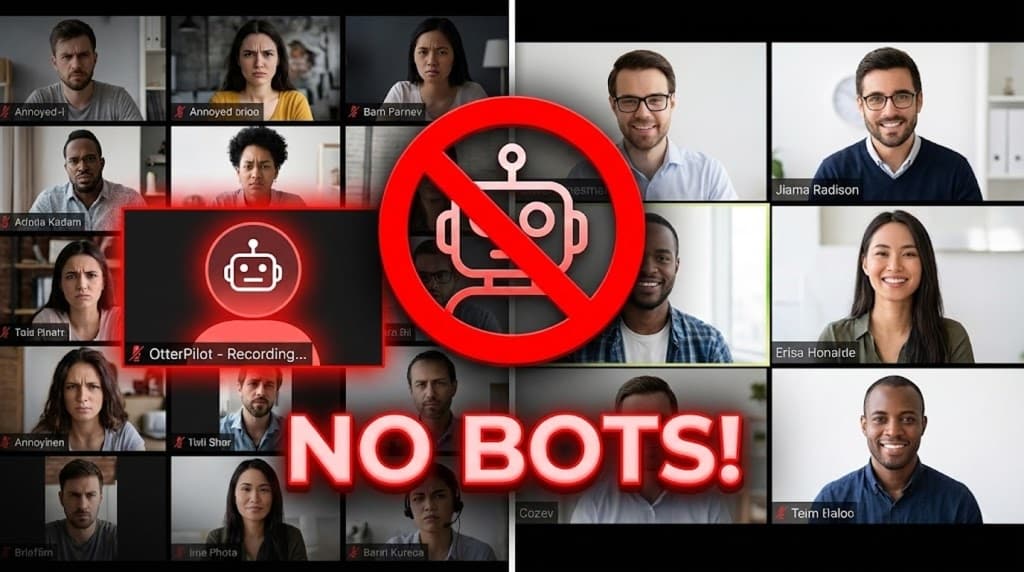
In the fast-paced world of remote work, few moments rival the cringe of an uninvited AI bot crashing your Zoom call. Picture this: You're deep in a client strategy session when OtterPilot—that generic avatar with a blinking red light—joins unannounced, recording every word. Your client freezes: "Wait, is that bot... listening to us?"
The apology interrupts the flow, trust erodes, and the meeting never quite recovers.
Otter.ai revolutionized meeting transcription, but in 2025, bot fatigue and escalating privacy risks are pushing professionals away. With lawsuits regarding privacy violations and 64% of professionals reporting discomfort with unannounced bots, the market is shifting.
If you are hunting for Otter.ai alternatives that deliver crisp AI summaries without the third-party lurker, this 2025 guide has you covered.
Key Takeaways for 2025
- Bot Intrusion Backlash: 64% of pros report discomfort with surprise AI bots, fueling a shift to "invisible" async workflows.
- Async Transcription Boom: Local recording + post-upload processing is safer and more private.
- Native Integrations Rule: Platforms like Microsoft Teams now offer built-in transcription, reducing reliance on external bots.
- Top Privacy Pick: UserRecaply enables bot-free summaries via secure file uploads, putting you in control.
Table of Contents
- Why Switch from Otter.ai in 2025?
- Top 5 Otter.ai Alternatives Ranked: Bot-Free vs. Bot-Based
- In-Depth: Mastering the Invisible Workflow with UserRecaply
- Feature & Privacy Comparison Table
- FAQ: Essential Meeting Transcription Queries for 2025
Why Switch from Otter.ai in 2025?
Otter.ai pioneered real-time transcription, but evolving user needs are accelerating the exodus. Here's why pros are ditching it:
- Aggressive Bot Intrusions: OtterPilot auto-joins calendar events, even unintended ones. Clients hate it.
- Privacy Nightmares: Enterprises are firewalling third-party bots. If Otter can't join, you get no notes.
- Eroding Free Tier: Limits on history and duration frustrates freelancers who need access to their archives.
The broader trend? A pivot to async, upload-based tools.
Top 5 Otter.ai Alternatives Ranked: Bot-Free vs. Bot-Based
We've split options into Invisible (Upload-Based) for max privacy and Assistants (Bot-Based) for real-time needs.
1. UserRecaply (Best Overall for Privacy & No-Bot Workflow)
Perfect for client-facing pros tired of bot drama.
- How It Works: Record locally via Zoom, OBS, or phone, then drag-and-drop the file into UserRecaply.
- Standout Wins: Fully invisible—no bots join calls. It also handles non-meeting audio like daily brain dumps or personal dictation.
- Privacy Edge: High—data processes only on explicit upload.
- Pricing: Free tier unlimited uploads.
2. Fathom (Top Free Bot Option)
If bots are unavoidable, Fathom is popular in 2025.
- Pros: Generous free version for individuals.
- Cons: It is still a bot. It joins the call, requires permissions, and can be blocked by corporate firewalls.
- Best For: Internal team meetings where privacy is less critical.
3. Microsoft Teams Native (Best for Enterprise)
Ditch third-parties if you're in the Microsoft ecosystem.
- Pros: Built-in live transcription; Intelligent Recap. No extra logins.
- Cons: Summaries can feel "dry" compared to AI tools. Uploading external audio is limited (see our guide on transcribing in Word).
- Best For: Office 365 power users.
4. Fireflies.ai (Ideal for Sales Teams)
Robust for analytics, but bot-based.
- Pros: Integrates with Salesforce/HubSpot. Great for analyzing sales calls, closing techniques, and objection handling.
- Cons: Expensive ($10+/mo) and complex. Bot joins calls visibly.
- Best For: Revenue teams needing CRM data.
5. OpenAI Whisper API (Budget Pick for Developers)
Raw power for custom builds.
- Pros: Extremely cheap and accurate.
- Cons: No User Interface. You need to code it yourself using Python.
In-Depth: Mastering the Invisible Workflow with UserRecaply
Privacy-conscious consultants, lawyers, and executives are flocking to async methods in 2025. Here's the step-by-step:
- Local Capture: Use Zoom's "Record to Computer," QuickTime, or phone voice memos.
- Wrap the Call: End without awkward explanations—clients stay blissfully unaware.
- Secure Upload: Drag files to UserRecaply.
- AI Processing: Get structured summaries (action items, timestamps, speakers) in ~3 minutes.
This mirrors the workflow used by writers using dictation apps—capture raw, process later.
Feature & Privacy Comparison Table
| Feature | Otter.ai | UserRecaply | Fathom | Fireflies.ai |
|---|---|---|---|---|
| Bot Joins Call? | Yes (Aggressive) | No (Invisible) | Yes | Yes |
| Privacy Rating | Low | High | Medium | Medium |
| AI Summaries | Yes | Yes (Structured) | Yes | Yes |
| File Uploads | Limited (Paid) | Unlimited | No | Yes |
| Best For | Legacy Users | Privacy Pros | Free Users | Sales Teams |
FAQ: Essential Meeting Transcription Queries for 2025
Q: Can I transcribe existing Zoom recordings without a bot? A: Absolutely—tools like UserRecaply handle MP4/MP3 imports effortlessly. Otter often limits this feature on free plans.
Q: Is bot-free recording legal? A: Yes, provided you follow consent laws (One-party vs Two-party). A simple verbal "I'm recording this for my notes" is often enough, without needing a software bot to monitor the call.
Q: Beyond meetings, what else works? A: Because it's file-based, you can upload anything: lectures, podcasts, or voice notes.
Reclaim Your Meetings: Bot-Free Productivity Awaits
In 2025, why tolerate OtterPilot's interruptions when invisible AI delivers the same insights—securely?
Embrace the async revolution: Record discreetly, upload on your terms, and unlock instant action items.