
Dictate Your Book: Write 5x Faster with AI (2025 Guide)
Beat the blank page. Learn how to dictate a book and use AI to turn your spoken thoughts into a structured first draft and chapter outlines instantly.
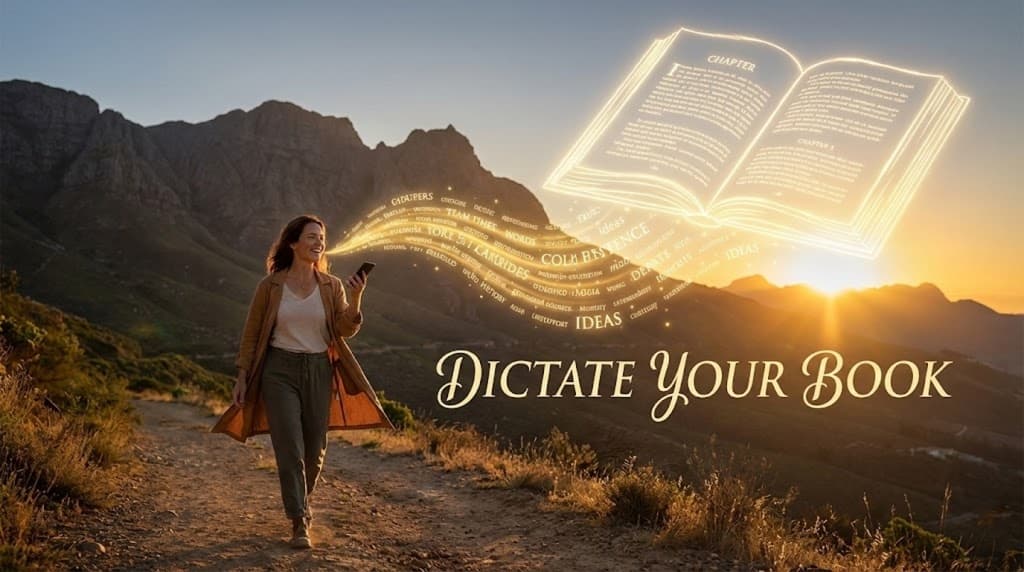
Every author dreads the "terror of the blank page."
The gap between a brilliant idea and actually producing 80,000 words is where most books fail. The average person types at around 40 words per minute, while natural speaking rates reach 150 words per minute. This "typing bottleneck" often disrupts creative flow before ideas are fully formed.
In 2025, a new wave of writers is skipping the keyboard altogether. By mastering book dictation combined with AI structuring tools, authors are completing first drafts in weeks rather than years.
Here is how UserRecaply transforms your spoken "brain dump" into a professional manuscript structure.
Key Takeaways
- Velocity over Perfection: Dictation lets you outpace your inner critic and capture the full story without stopping for typos.
- The Cleanup Challenge: Raw dictation is messy. AI automatically extracts the core narrative and key themes.
- Mobility: Write while walking or commuting—no need for dedicated desk time to be productive.
- Structure First: AI summaries reveal chapter logic before you start the heavy editing process.
Why Most Dictation Attempts Fail (and How AI Fixes It)
If you’ve ever tried basic voice-to-text software, you know the frustration: you get a rambling wall of text full of "ums," repetitions, and zero structure. It’s often so messy that it feels quicker to just type from scratch.
In 2025, AI-powered tools change this by prioritizing Intelligence Extraction over mere transcription:
- Logical Grouping: The AI detects when you switch topics (e.g., from character description to setting).
- Key Insight Extraction: It highlights "Aha!" moments in non-fiction or critical plot beats in novels.
- Thematic Summary: It provides a bird’s-eye view of your session to ensure your chapter is coherent.
By using an intelligent "Recap" instead of just a raw transcript, you spend your time refining your story rather than cleaning up typos.
The 3-Step "Voice-to-First-Draft" Workflow
Stop staring at the cursor. Start speaking.
Step 1: The Brain Dump (No Filter)
Record yourself talking through a chapter or a specific scene. Ignore grammar or repetitions—just get the story out.
- Tip: Movement sparks creativity. Go for a walk while you talk. (See our Mobile Guide for high-quality mobile recording tips).
Step 2: Upload to UserRecaply
Upload your audio file. While you take a break, the AI analyzes the "spoken chaos" and uncovers the hidden structure within your words.
Step 3: The "Skeleton" Edit
Review your UserRecaply Recap. Instead of a rambling 5,000-word transcript, you’ll get:
- The Core Summary: The "essence" of your chapter.
- Key Insights: The main plot beats or arguments you covered.
- Actionable Next Steps: What needs more research or development.
Copy this into your editor of choice (Word, Scrivener, or Notion) to serve as a perfect skeleton for your final prose.
Dictation for Non-Fiction Authors vs. Novelists
- Non-Fiction Authors: Dictate anecdotes, case studies, and arguments. The AI will extract your main points, making it easy to turn a 20-minute walk into a 2,500-word chapter outline.
- Novelists: Dictation is ideal for "discovery writing." Speak your dialogue or character backstories out loud. The AI recap ensures your plot points are consistent across sessions.
Comparison: Manual Typing vs. AI Dictation Workflow
| Feature | Manual Typing | UserRecaply AI Workflow |
|---|---|---|
| Drafting Speed | ~40 words/min | 150+ words/min |
| Physical Strain | High (Wrists/Back) | Low (Hands-free) |
| Creative Flow | Interrupted by typing | Continuous & Natural |
| Organization | Manual | Auto-extracted Chapters & Themes |
| Portability | Requires a desk | Record anywhere on your phone |
FAQ – Dictating Your Book with AI
Q: Can I dictate an entire book at once? A: We recommend dictating chapter-by-chapter (20-40 minutes). This keeps the AI summaries focused and helps you maintain a better narrative structure.
Q: Does it replace a human editor? A: No. UserRecaply is a productivity tool that provides the "clay." You (or a professional editor) still need to shape that clay into a masterpiece.
Q: Is my manuscript safe and private? A: Your intellectual property is yours alone. UserRecaply uses enterprise-grade encryption and does not train public AI models on your private creative work.
Your Story Deserves to Be Told.
Don't let finger speed limit your imagination. Stop typing, start speaking, and finish that first draft this year.