
How to Transcribe User Interviews for Faster UX Insights (2025 Guide)
Speed up UX research in 2025 with AI transcription. Learn how to turn user interviews into actionable insights quickly, reducing analysis time from hours to minutes.
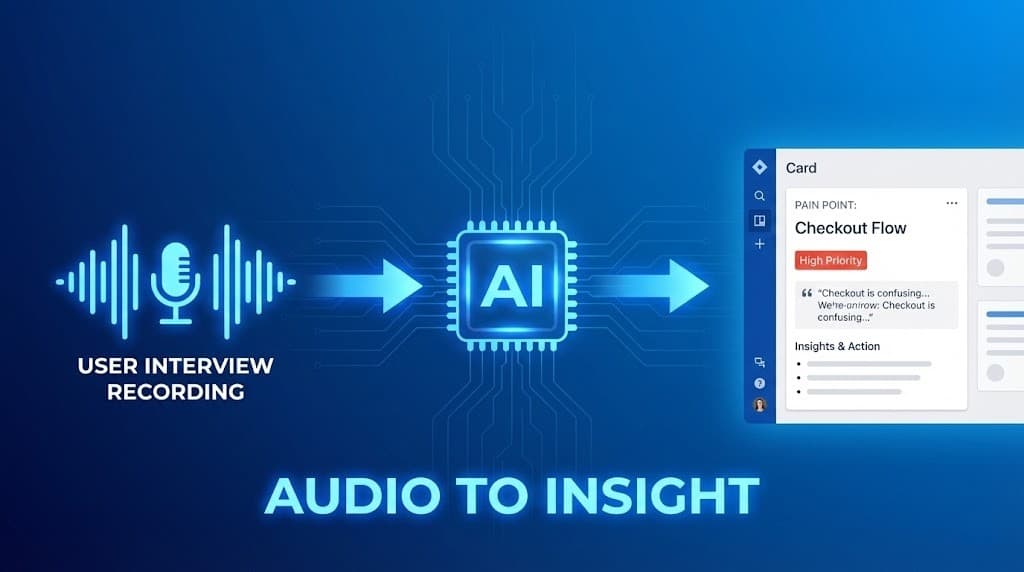
In the world of product development, User Interviews are pure gold. They are the only way to truly understand why users struggle or what they actually need.
However, the bottleneck has always been the synthesis. Industry data shows that manual transcription and analysis of just one hour of audio typically takes 4 to 6 hours. If you conduct 10 interviews, you are looking at a full week of administrative grunt work.
In 2025, leading UX teams have stopped the manual grind. They use AI-powered transcription and analysis to process interviews in minutes, moving from "Raw Audio" to "Product Roadmap" almost instantly.
Key Takeaways
- The 1:5 Ratio: Manual work takes 5 hours per 1 hour of audio. AI reduces this to minutes.
- Active Empathy: Focus on the user's facial expressions and screen movements instead of frantic note-taking.
- Pattern Recognition: Use AI to automatically cluster pain points across multiple sessions.
- Evidence-Based Design: Share exact verbatim quotes to justify your design decisions to stakeholders.
Why Manual Analysis Kills Research Momentum
In fast-paced agile sprints, delays in research synthesis kill momentum:
- The "Note-Taker's Blindness": If you are busy typing, you miss the subtle moment a user hesitated or looked confused by a navigation element.
- Delayed Insights: If your report takes a week to compile, the engineering team has often already moved on to the next feature.
- Selective Memory: We naturally remember the feedback that fits our assumptions. AI provides an objective record of everything said, preventing confirmation bias.
3-Step Workflow: From Talk to Ticket
Stop acting like a court reporter. Be a strategist.
Step 1: Record and Fully Observe
Record your session (Zoom, Google Meet, or Lookback).
- Tip: Tell the participant: "I’m recording this so I can be 100% present for you today." This builds rapport and ensures you don't miss non-verbal cues.
Step 2: Upload to UserRecaply
After the session, upload the file. While the AI handle the transcription, you can immediately start your next interview or take a break.
Step 3: Extract the "UX Recap"
Instead of a raw wall of text, focus on the structured intelligence generated by UserRecaply:
- Pain Points: Specific frustrations mentioned by the user.
- Feature Requests: Elements the user explicitly asked for.
- Key Quotes: Find the "perfect quote" to drop into your Slack channel or Figma board to prove a point.
Turning Thematic Analysis into Product Roadmaps
The real value of AI in 2025 isn't just text—it's identifying patterns.
If you conduct 15 interviews, UserRecaply helps you see the "Themes" that emerge across all of them.
- Example: If 10 out of 15 users struggled with the "Checkout" flow, the AI summary will flag this as a high-priority insight.
This helps you create a User Research SOP (Standard Operating Procedure) that is consistent across your entire team. (See our guide on creating SOPs from video).
Comparison: Traditional vs. AI-Powered UX Analysis
| Feature | Traditional Manual Approach | UserRecaply AI Workflow |
|---|---|---|
| Analysis Time | 4-8 hours per session | 5-10 minutes per session |
| Objectivity | Prone to selective recall | Full, searchable record |
| Insight Extraction | Manual tagging (Tedious) | Auto-highlighted Pain Points |
| Stakeholder Buy-In | "I recall them saying..." | "Here is the exact quote." |
| Speed to Roadmap | Weeks | Days |
FAQ – UX Research Transcription
Q: Can it handle multiple speakers (Moderator + Participant)? A: Yes. UserRecaply uses Speaker Diarization to separate the interviewer's questions from the user's answers.
Q: Is it secure for confidential user data? A: Absolutely. UserRecaply ensures all files are encrypted and—unlike free public tools—we do not use your private research data to train public AI models.
Q: Can I transcribe interviews in other languages? A: Yes. If you are doing global research (e.g., in Germany or Brazil), you can transcribe and translate those insights into your native language instantly.
Build Better Products—Faster
Don't bury valuable user feedback in unprocessed recordings. Focus on the user's story, let AI handle the data, and build a product roadmap backed by evidence.