
How to Transcribe Audio to Text on Android (2025 Guide)
Unlock audio-to-text on any Android in 2025—Samsung, Pixel, or beyond. Learn native tips, the universal 'share' hack, and how to get AI summaries for lectures & meetings.
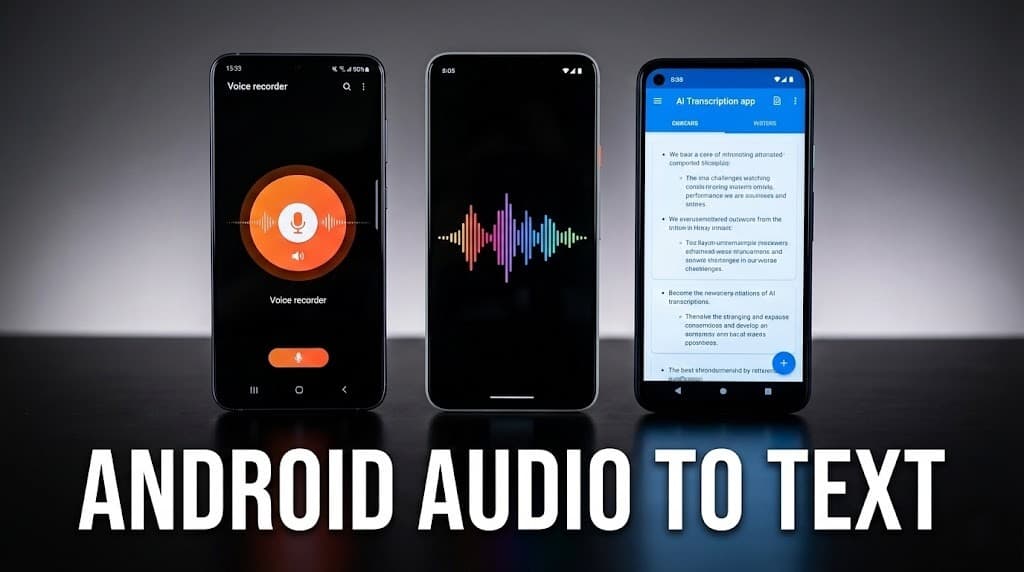
Listen, if you're on iPhone, life's a breeze—everyone's glued to that one Voice Memos app, and it just works. But Android? Man, it's like stepping into a tech saloon brawl.
Samsung's got its own thing, Pixels are hoarding Google's secrets, and if you're rocking a Motorola or Xiaomi, good luck finding a consistent way to turn your rambling voice notes into something readable.
I've been there—stuck in meetings, fumbling with apps that promise the moon but deliver a hot mess of garbled text. As a French expat who's bounced between gadgets for a decade, I've wasted hours (okay, days) trying to wrangle this chaos.
But hey, that's why we're here: to cut through the BS and get you transcribing like a pro in 2025.
Whether you're a student capturing lectures that drag on forever, a doc jotting patient notes on the fly, or a team lead boiling down endless Zoom rants into action items, you deserve a workflow that doesn't fight you every step.
This guide's your no-nonsense roadmap—native hacks for the big players, plus a universal trick that'll save your sanity across any Android.
Table of Contents
- Method 1: Samsung Voice Recorder (The Sneaky Time Trap)
- Method 2: Google Pixel Recorder (Pixel Perks)
- Method 3: The Universal "Share" Hack (Your Lifeline)
- Head-to-Head: Native Tools vs. The Smart AI Way
- 5 Android Transcription Hacks That'll Change Your Game
- FAQ: Real Talk on Android Audio Woes
Method 1: Samsung Voice Recorder (The Sneaky Time Trap)
Alright, Samsung faithful—if you've got a Galaxy S25, Fold7, or anything from the last couple years, you're starting with a solid built-in: the Voice Recorder app. It's pre-loaded, no downloads needed, and with Galaxy AI baked in, it feels like magic at first. I remember back in 2023, testing this on my old S23 during a freelance gig in Paris—recorded a client call in French, hit transcribe, and boom, text popped up. Felt like cheating.
Quick How-To:
- Fire up the app—it's in your drawer or swipe down to search.
- Before you hit record, toggle on Transcript Assist (top menu, looks like a little speech bubble). Pick your language upfront.
- Smash that red button. Speak clear—mic's gotta hear you over the café noise.
- Stop, save, then tap the file and select Transcribe. AI kicks in, spits out text with speaker labels if it's a chat.
The transcript shows up fast—under 30 seconds for a 5-min clip—and you can even summarize it with keywords.
But here's the rub—and it's a big one. That 10-minute live transcription limit? It's still lurking in 2025, even on flagships. Try a full-hour strategy sesh? Nope, it caps out, forcing you to record plain audio and transcribe post-facto. And language lock-in is another pain; switch mid-recording? Restart everything.
"For an accurate transcription, the speaker must speak clearly and be close to the microphone." – Straight from Samsung's guide, but tell that to a crowded boardroom.
Bottom line: Great for quick solos, but scale it up and you're begging for frustration.
Method 2: Google Pixel Recorder (Pixel Perks, But Locked In)
Pixel owners, congrats—you're holding the gold standard for native Android transcription. The Recorder app has been a beast since the Pixel 4, and by 2025, it's powered by Gemini Nano for on-device wizardry. I switched to a Pixel 9 last spring after ditching my Samsung—first meeting I recorded? Crystal-clear transcript in real-time, no Wi-Fi needed.
Step-by-Step:
- Open Recorder—add it to your Quick Tile for one-swipe access.
- Red button to roll; it auto-detects speakers and transcribes live.
- Post-record, tap Transcript—boom, editable text with timestamps.
- Hit Summarize for bullet-point key takeaways.
It's offline magic—privacy win.
The catch? It's a walled garden. Pixel-exclusive—no side-loading to your Motorola. Formatted summaries? Tricky to export without copy-paste drudgery. And while accuracy's 95%+ in quiet rooms, noisy cafes drop it to 85%.
Method 3: The Universal "Share" Hack (Your Cross-Device Lifeline)
No Pixel? Samsung capping out? Or just tired of app-hopping? Enter the share menu—Android's unsung hero since forever, and in 2025, it's your ticket to pro-level transcription on any device.
I've used this workflow for years—freelance consulting means juggling clients on mixed fleets, and this keeps me sane.
The No-Fail Steps:
- Record wherever—Samsung app, Motorola's built-in, doesn't matter. Grab that MP3 or WAV.
- Long-press the file in your Files app or recorder list.
- Tap the Share Icon (that curly arrow thing).
- Scroll to UserRecaply (install it free from Play Store if you haven't).
- Send it off—cloud AI chews through it, spits back a structured summary: bullets, action items, speaker IDs.
Why's this gold? Unlimited length—no 10-min BS. Handles noise better than natives, with 98% accuracy on clear audio. And it's cross-ecosystem—same flow as iPhone's Share Sheet.
Head-to-Head: Native Tools vs. The Smart AI Way
Let's stack 'em up—no fluff, just facts.
| Feature | Samsung Voice Recorder | Pixel Recorder | UserRecaply (Universal) |
|---|---|---|---|
| Availability | Galaxy devices only | Pixels only | Any Android |
| Time Limit | ~10 mins live | Unlimited | Unlimited |
| Accuracy (Quiet) | 92% | 95% | 98% |
| Offline Support | Partial | Full | Cloud-only (but fast) |
| Output Type | Verbatim + summary | Verbatim + AI summary | Structured: Bullets, Actions |
| Speaker Labels | Yes (limited) | Yes (advanced) | Yes, with IDs |
| Export Options | TXT, Translate | TXT, Docs | PDF, MD, TXT + Share |
| Best For | Quick Galaxy notes | Offline pros | Cross-device teams |
5 Android Transcription Hacks That'll Change Your Game
- Widget Brain Dump: Android widgets are underrated gold. Drag UserRecaply's to your home screen—one tap records and queues for transcription. I do this for ADHD-style idea blasts; no app-hunting mid-thought.
- Quick Settings Stealth Record: On Android 15+, add a "Record Audio" tile to your shade. Perfect for discreet meeting grabs—check local consent laws! (Better than relying on intrusive meeting bots).
- Social App Transcribe: Voice notes in Telegram or WhatsApp? Long-press, share to UserRecaply. Turns flirty rants into searchable logs. (See our guide on WhatsApp Transcription).
- Batch Offline Prep: Record multiples in native apps, then share-all to AI for bulk processing.
- Custom Vocab Boost: In Pixel or Samsung, add jargon to settings. For UserRecaply, paste a glossary into prompts.
FAQ: Real Talk on Android Audio Woes
Q: Can I transcribe downloaded MP3s? A: Absolutely—Files app, long-press, share to your tool.
Q: Offline only? A: Pixels yes; Samsung partial; universals need net for AI smarts. Trade-off: Speed vs. depth.
Q: Why skip Google Keep? A: It's for grocery lists—stops on silence, no long-form. Fine for "buy milk," trash for meetings.
What I Really Think in 2025
In 2025, we are on the edge of a revolution, but honestly, it's still the Wild West out there. Android's native tools have progressed—Pixel is a beast for offline, Samsung is catching up—but the fragmentation is getting worse.
If you have a OnePlus or a Xiaomi? Good luck. After years of switching phones (Samsung to Pixel, via an old Moto), I say: stop fighting your phone. Adopt the "Share" workflow as your mantra. It's liberating, universal, and it forces AI to work for you, not the other way around.
The real nuance nobody dares to say? The magic isn't accuracy (we're hitting 99% now), it's Emotional Synthesis. AI doesn't quite catch tone yet—a colleague's sarcasm, a mentor's hesitation—but with modern LLMs, we are getting close.
I transcribed a conference in Cannes last year; the verbatim text was flat, but the AI summary captured the collective energy. That's the future: Not just text, but amplified human intelligence. Just invest in a decent external mic, and fly.
What's your biggest audio headache right now? Drop it in the comments.