
How to Transcribe Workshops & Brainstorming Sessions with AI (2025 Guide)
Capture every idea from your team's workshops and brainstorming sessions. Learn how AI transcription turns chaotic discussions into actionable summaries.
How to Transcribe Workshops & Brainstorming Sessions with AI (2025 Guide)
Workshops and brainstorming sessions are where innovation happens—but too often, great ideas fade away the moment the room empties.
You invest hours in high-energy discussions and fill whiteboards with sticky notes. Yet the next day, the details blur: Why did we choose Option B? What was the specific logic behind that pivot?
In 2025, top facilitators no longer juggle live note-taking with moderating. They focus on group energy and collaboration, letting AI handle the precise documentation.
This guide shows you how to transcribe workshops effectively using UserRecaply, turning creative chaos into structured, searchable action plans.
Key Takeaways
- Preserve Context: AI captures the "why" behind decisions, which static photos of post-it notes always miss.
- Filter the Noise: Advanced AI identifies the "golden nuggets" within hours of rambling creative talk.
- Speaker Identification: Diarization tracks who contributed which idea—essential for team accountability.
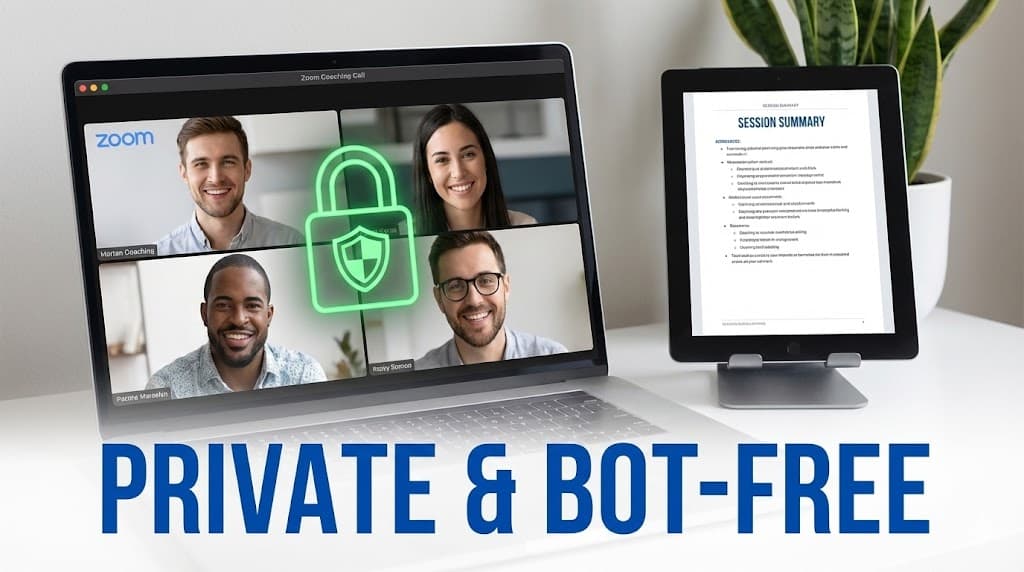
- The "No-Bot" Advantage: For sensitive strategy sessions, uploading a recording is more private than inviting a visible AI bot to the meeting.
The Facilitator's Challenge: Engagement vs. Documentation
Great facilitators need to read the room, manage personalities, and resolve tensions. Typing notes during the session makes this impossible.
Why manual methods fail workshops:
- The Speed Gap: People speak much faster than anyone can type. Ideas are lost mid-sentence.
- The "Winner's Bias": You only note the final decisions, losing the "discarded" ideas that might be valuable in six months.
- Whiteboard Photos: A photo is a dead end. It isn't searchable, it isn't editable, and handwriting is often illegible.
The 3-Step AI Workflow: From Chaos to Strategy
Step 1: Capture High-Quality Audio
Position a central microphone (or a 360° device) in the room. For virtual workshops, record the session via Zoom or Teams.
- Pro Tip: If using a phone, put it in Airplane Mode to ensure the recording isn't interrupted by a call. (See our iPhone or Android guides for best recording practices).
Step 2: Upload to UserRecaply
After the session, upload the audio file. For long workshops (2–4 hours), UserRecaply’s async processing is ideal—it handles large files in the background while you take your post-workshop break.
Step 3: Generate Structured Insights
Don't get overwhelmed by a 50-page transcript. UserRecaply auto-categorizes the chaos into:
- The Strategic Objective
- Points of Consensus
- The "Parking Lot" (Ideas to revisit later)
- Action Items (Clearly assigned to the right people)
Why Speaker Diarization Matters in Brainstorming
In a workshop, who said what matters. Diarization (speaker identification) labels speakers automatically.
Whether you are running a Design Thinking sprint or a Strategy Workshop, knowing if an idea came from the Product Lead or the Customer Support agent helps you weigh the feedback correctly during your final analysis.
From Wild Ideas to Thematic Insights
The real power of AI in 2025 is Thematic Analysis.
UserRecaply identifies recurring themes. If your team mentioned "User Friction" 30 times but "Pricing" only twice, the AI will highlight this as your primary concern, even if it wasn't a formal agenda item.
Whiteboard Photos vs. AI Transcription
| Feature | Whiteboard Photos | UserRecaply AI Recap |
|---|---|---|
| Searchable | No | Yes (Search keywords in seconds) |
| Action Items | Manual extraction required | Auto-generated checklists |
| Context | Final state only | Full logic and evolution of ideas |
| Shareability | Low (Needs manual typing) | High (Professional PDF/Text) |
| Privacy | Low (Easily shared/lost) | High (Encrypted & Secure) |
FAQ: AI Transcription for Workshops
Q: Can AI handle a room where everyone talks at once? A: Workshops are loud. While no AI is 100% perfect in extreme chaos, UserRecaply is optimized to prioritize dominant voices and filter out background "whiteboard marker" noise.
Q: What about confidential strategy sessions? A: We prioritize your IP. UserRecaply uses enterprise-grade encryption and—unlike many free tools—we do not train our public models on your private data.
Q: How long can the recording be? A: We specialize in long-form audio. Whether it's a 45-minute huddle or a 4-hour deep-dive, the system handles it seamlessly.
Focus on Innovation. Let AI Handle the History.
Don't let your team's best ideas stay on a whiteboard. Transform that creative energy into a concrete, searchable plan.